HA Paper
Install
Needs Chrome or Edge on desktop.
Only Xteink X4 Pro is supported. Contribute a port
Not connected
-
Backup
-
Install
Chrome or Edge · USB-C data cable
Wi-Fi
Advanced
Restore backup
Log
Technical details
- Connect restarts the chip into its ROM bootloader over the USB-Serial/JTAG port with the same RTS/DTR sequence esptool uses, so no key is needed while the running software keeps that port on. After a write the page restarts the chip into the new software the same way.
- Connect then reads the secure boot and flash encryption eFuses and stops if either is on, or if it can't read them.
- Backup (optional, the checkbox) reads all 16 MB of flash in 256 KB chunks, checks each chunk against the chip's own MD5, and
saves
x4pro_stock_YYYYMMDD.binplus a.sha256file. - Install checks the bundled files against
SHA256SUMSandmanifest.json, checks that the partition table already on the display keeps NVS at 0x9000 (0x5000 bytes), and stops if not. It then writes bootloader, partition table, otadata, app and web console at their own offsets. NVS (0x9000-0xDFFF) and userdata (0xFD0000-0xFEFFFF) are never written: saved Wi-Fi, the Home Assistant link, your screens and settings and the factory panel id survive. The page refuses any write plan that would erase a sector in either. - The backup is a copy of the whole flash, so it also holds the saved Wi-Fi password and, if HA Paper ran on this unit before, its Home Assistant sign-in keys. It is saved only on your computer; nothing is uploaded. Keep it somewhere private.
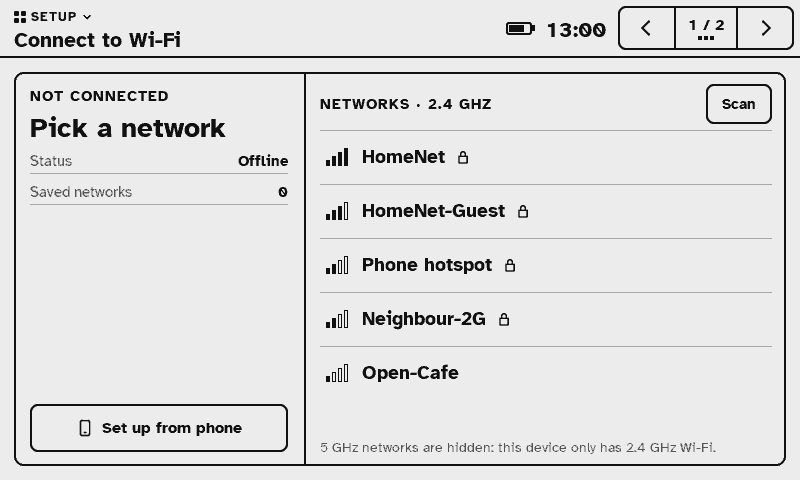
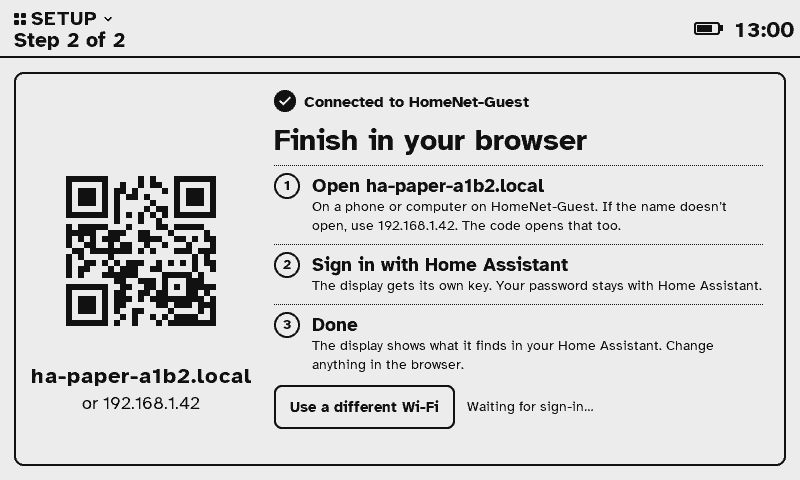
- Wi-Fi uses the Improv Wi-Fi serial protocol (improv-wifi.com) on the display's USB console. The password goes over the cable to the display only; the page does not keep or log it.
- Restore writes a 16 MB backup over the whole flash at 0x0.
- Prefer a script? Each release also ships
x4flash.py, which does the same steps from a terminal. Full notes:docs/FLASHING.md.